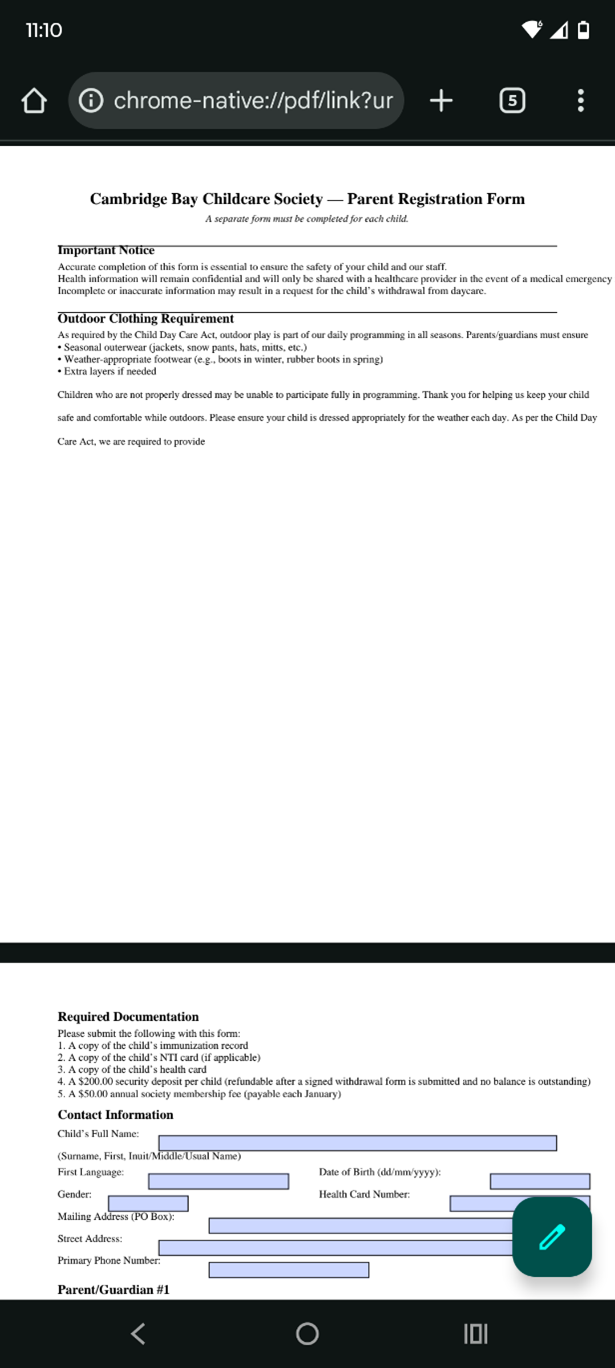
If you would like to fill in the forms from your mobile device
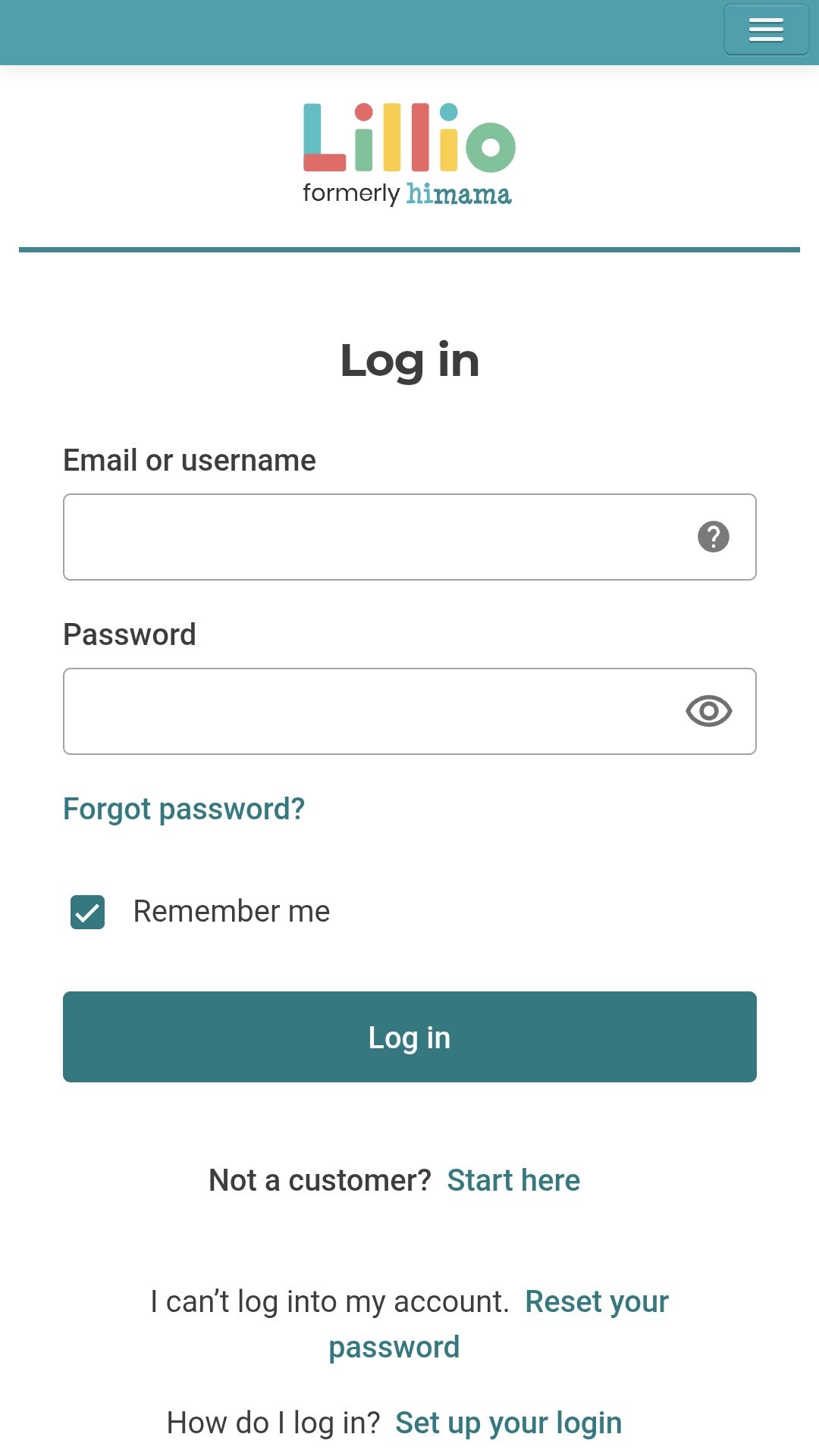
Step 1: Once you have been approved and have received the confirmation email, sign in on the Lilo website.
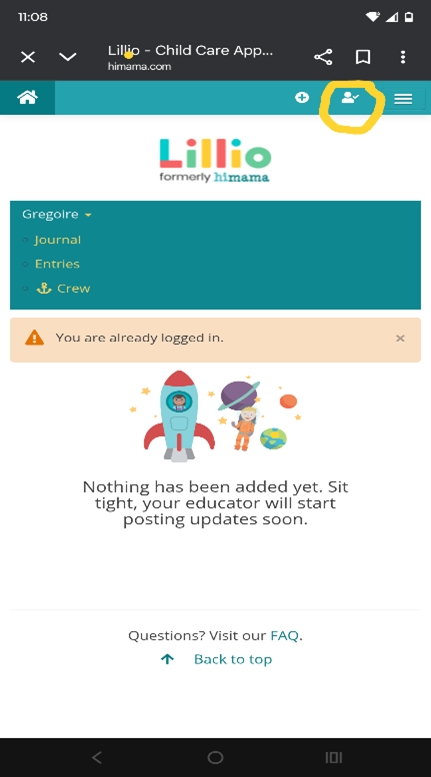
Step 2: Click the logo that is circle in yellow
Step 3 : Click on your child’s name
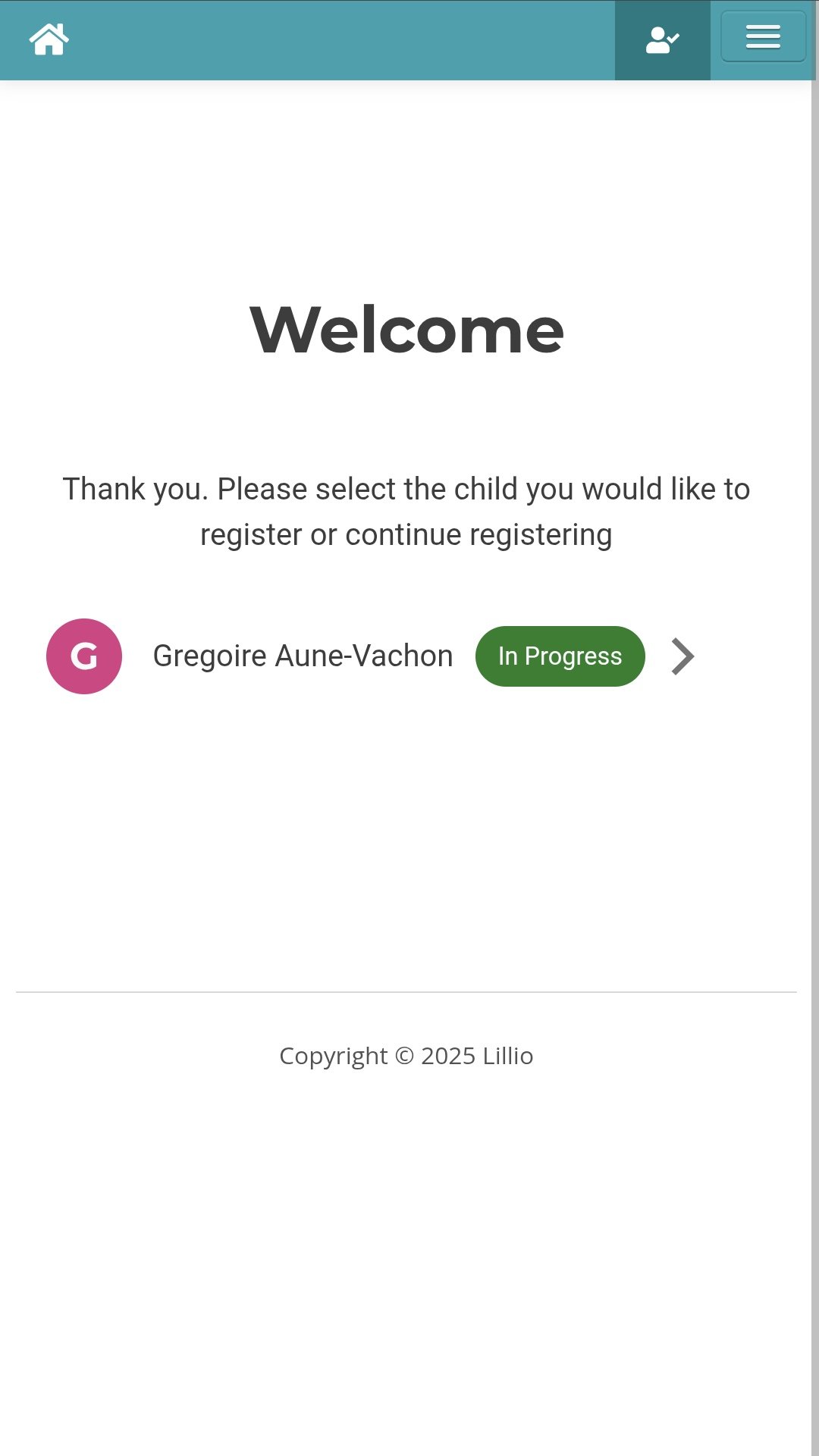
Step 4: Fill in step 1 to 4
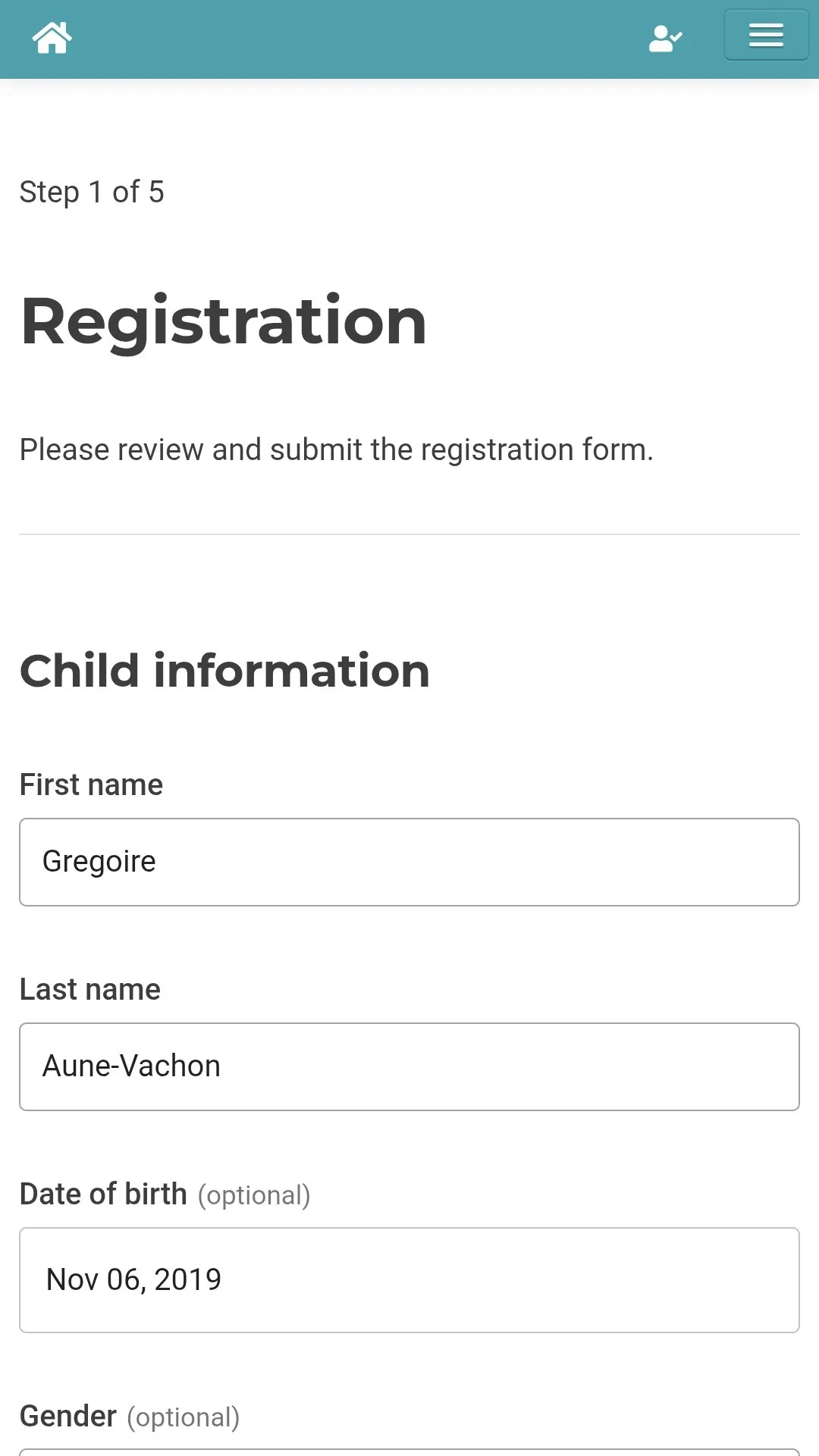
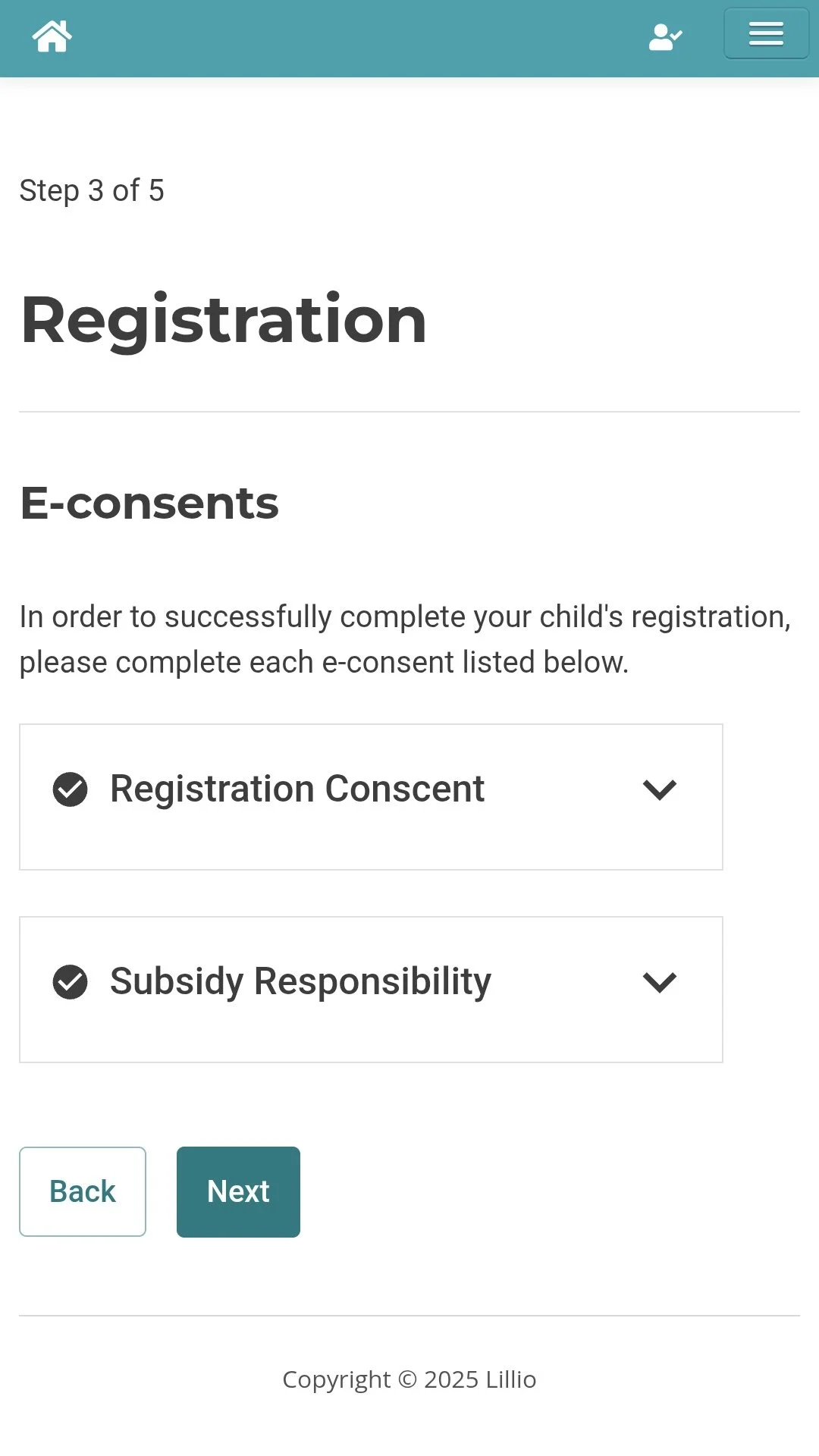
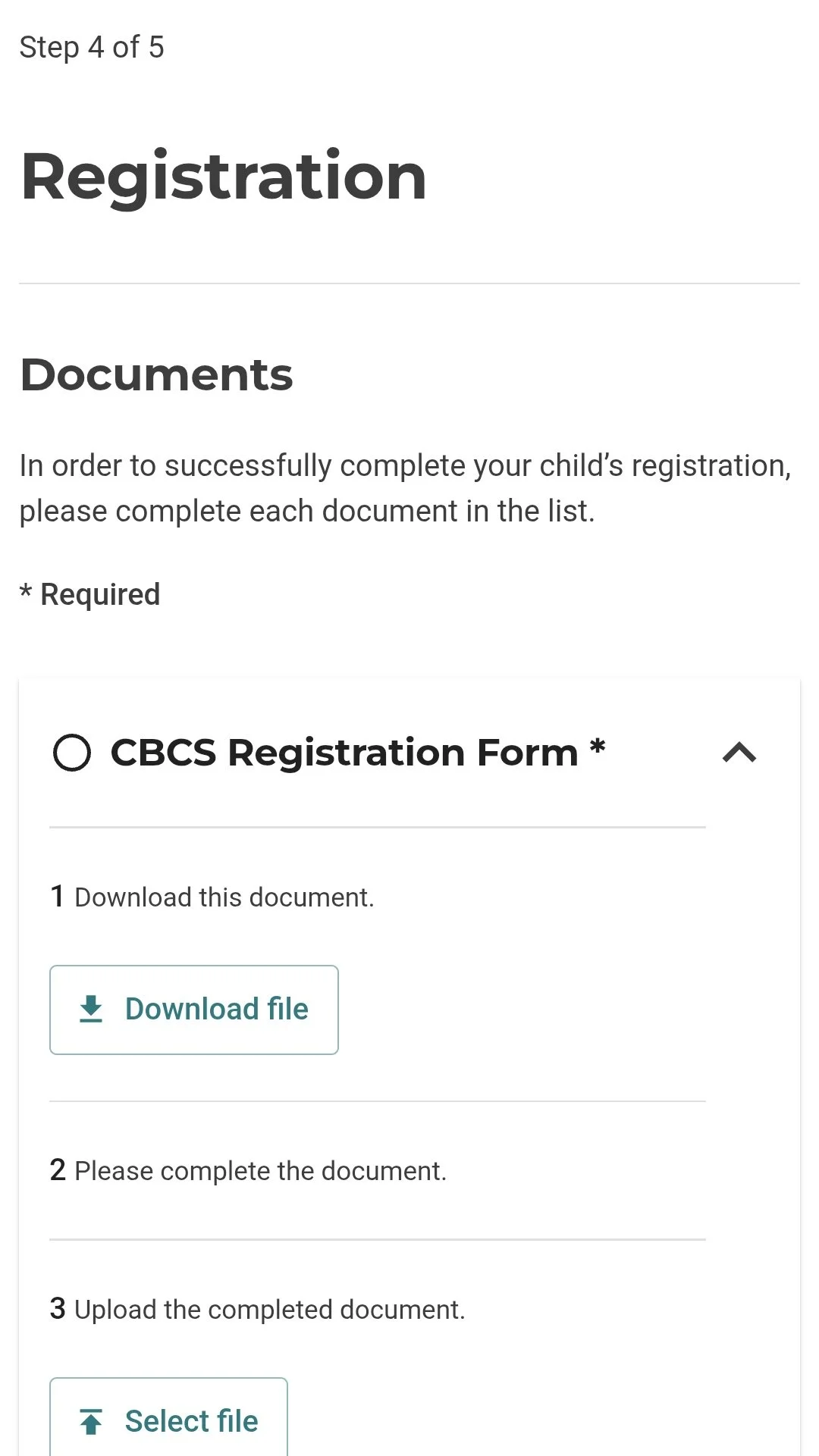
Step 5: Download forms
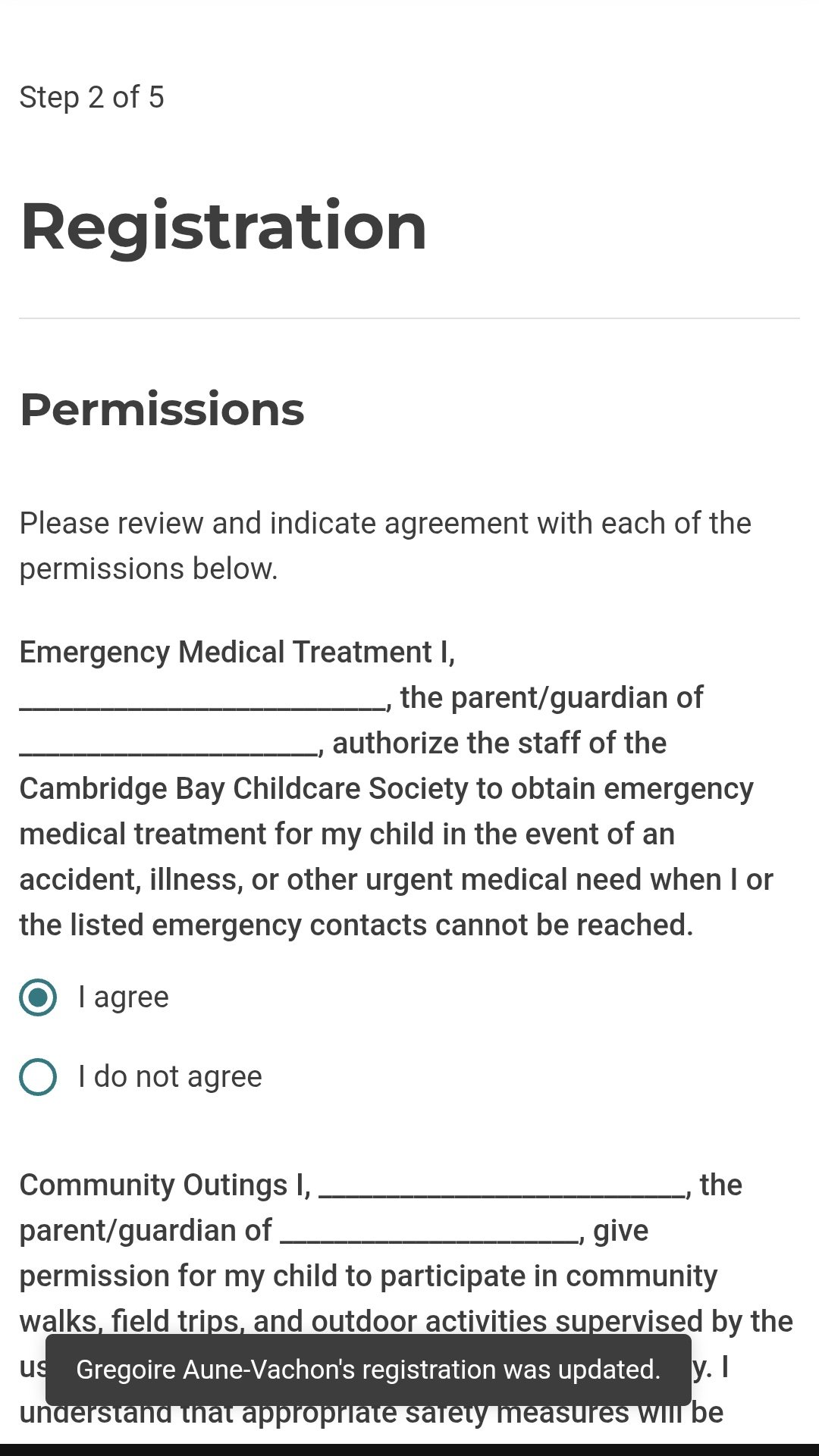
When opening the file on chrome. Go on the 3 dots and press on open with and select Adobe Acrobat. If you don’t have it on your phone, you’ll have to download it. Once its all filled in, save it on your phone and go to the Lilo website to upload the document to your child’s profile.